
Every warehouse runs a little differently. One handles full pallets all day, another packs thousands of small parcels, and a third does both in a building that was never designed for either. So before you look at a single product page, it helps to be clear about how freight actually moves through your facility. The right freight dimensioner is the one that fits that routine, not the one with the longest spec sheet.
Start With Your Floor Space and Daily Workflow
Walk the dock and the staging area first. Look at where freight sits, where forklifts turn, and where you could realistically put a measuring station. Dimensioners generally come in three forms: overhead, mobile, and stationary floor frame.
Overhead vs. Floor Frame Mounts
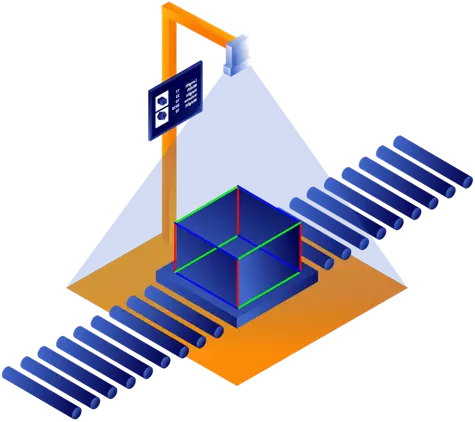
Overhead systems hang from the ceiling, so they take up almost no floor space. That’s a big deal if your dock is already tight. A floor frame setup works differently. It gives you a dedicated measuring bay, which makes sense when you’re staging a lot of freight and want one fixed spot where every pallet gets measured.
Pallets or Small Parcels?
The cargo itself matters just as much. If you move heavy pallets, you need a unit built for big, bulky loads. If you mostly ship boxes and parcels, a compact desktop unit or one that sits on a conveyor line will do the job better. Whichever way you lean, a freight dimensioner sized for your actual cargo gives you cleaner measurements than a one-size-fits-all machine ever will.
Look at the Software, Not Just the Hardware
A solid machine is only half the story. What really decides whether the system pays off is what happens to the measurements after they’re captured. If someone still has to type numbers into another screen, you’ve only moved the bottleneck.
Here’s what to ask any vendor:
- Does it connect to your ERP or WMS through an API?
- Can your team view the data in the cloud, on a desktop or a phone?
- Does it save a photo of each measured shipment? You’ll want that if a carrier disputes a charge later.
- Can the vendor diagnose problems remotely, so a small fault doesn’t stop your dock for a day?
Getting Data Into Your WMS Without Retyping
When dimensions flow straight into your warehouse system, labels print faster and typos stop creeping into your records. A single wrong digit can lead to a billing mistake that takes weeks to untangle.
Cloud Access and Keeping the Machine Running
With a cloud dashboard, managers can see measurement data from every site in one place. Technicians can also check the health of a device without driving out to it, which means problems get caught early instead of halting operations.
Think About the Money Side
A dimensioner is a real investment, so it’s fair to ask when it pays for itself. The savings usually come from three places: less time spent measuring by hand, fewer carrier chargebacks, and better use of trailer space.
When you run the numbers, try to account for:
- The labor hours saved when measuring takes seconds instead of minutes
- Re-weigh fees and rate adjustments you’d no longer get hit with
- Shipping costs you can trim by loading trailers more tightly
- What the vendor charges for software support and updates over the years
Final Thoughts
Pick the machine that fits your space, connects cleanly to the software you already use, and gives you data you can access anywhere. Get those three things right and the dimensioner will keep paying off as your volume grows.
FAQs
Will a dimensioner work in a dimly lit warehouse?
Yes. Most modern units use infrared sensors, and some add their own lighting, so readings stay accurate even when the building is dark in places.
How long does installation take?
For many overhead systems, it can be done in a day. Floor frame setups and conveyor-integrated units may take longer, so check with the vendor about your specific layout.